The High Low Indicator for MT5 is a chart tool for traders who want to monitor price highs and lows in MetaTrader 5. Check the file description and settings to establish whether it displays candle, session or swing levels; do not assume it calculates every type of high and low.
Download the MT5 High Low Indicator
Use the download form below and read the file details before installing.
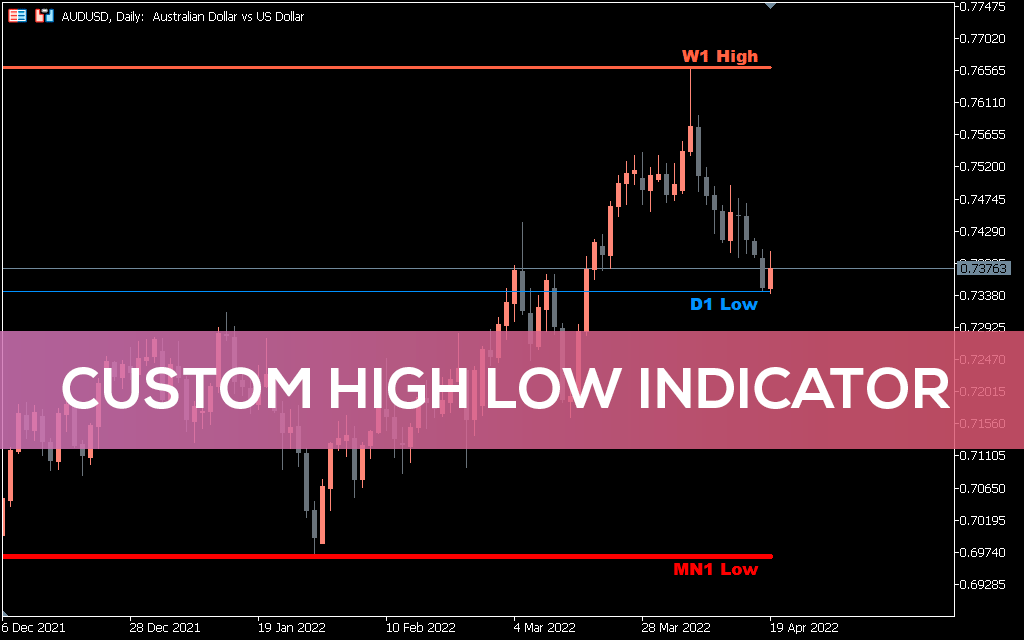
Custom High Low Indicator MT5
How to install the indicator in MT5
- Download the MT5 indicator file.
- In MT5, select File → Open Data Folder.
- Open MQL5 → Indicators and copy the file there.
- Restart MT5 or refresh the Navigator panel.
- Attach the indicator to a chart and check its inputs.
Using high and low levels in analysis
Previous highs and lows can help identify market structure, trading ranges and areas where price may react. Treat these levels as context rather than guaranteed reversal points. Wait for your own price-action confirmation and decide where the trade idea is invalid before entering.
More MT5 resources
Browse the full collection of free MT5 indicators, compare with the MT4 High Low Indicator or use the risk/reward trade planner.
Test downloads on a demo account first. Forex and CFD trading involve substantial risk; no indicator guarantees profits.
Further reading: High low indicator on cnbc.com.
The short version
Skim the headings, jump to the section that matches what you actually need, and use the references at the bottom if you want primary sources. That’s the fastest way through this topic.
What changes most often
- Specific tool names, prices and platform features — re-check anything pricing-related before acting on it.
- Best-practice advice — last year’s answer is often wrong this year.
- Regulatory or policy details — these can shift in a single news cycle.
What stays useful
- The underlying first principles — those don’t change.
- Your own checklists from past attempts — they beat any generic article.